Take Note: Zoho - Review Your Outgoing Emails Scam
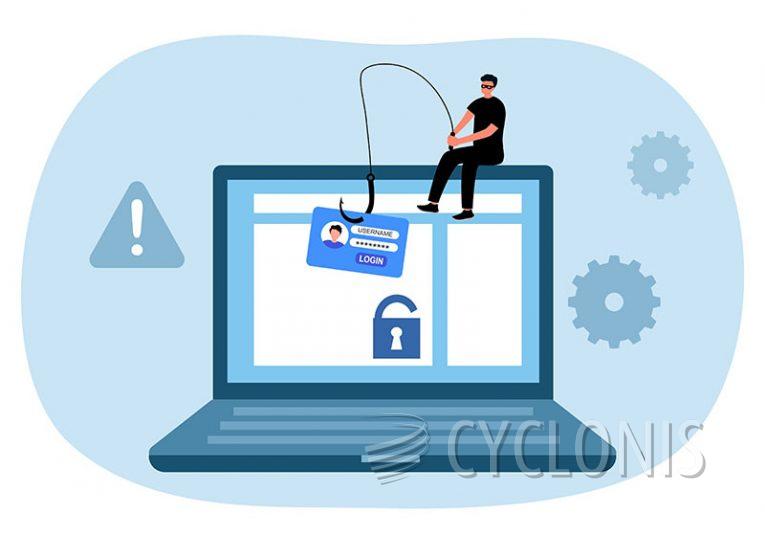
Table of Contents
A Deceptive Email Masquerading as a Zoho Security Alert
The "Zoho - Review Your Outgoing Emails" scam is a fraudulent email campaign designed to trick recipients into handing over their personal login credentials. This scam disguises itself as an urgent notification from Zoho, claiming that certain outgoing emails have been blocked due to security concerns. The email includes a link that supposedly allows the recipient to review these messages, but in reality, it redirects them to a phishing page. And it has nothing to do with Zoho.
A False Sense of Urgency Manipulates Potential Victims
The fraudulent email not only warns the recipient about undelivered messages but also pressures them to act quickly by claiming that the provided link will expire within 48 hours. This tactic exploits users' fears of missing important communications, increasing the likelihood that they will follow the email's instructions without verifying its authenticity.
Here's what it says:
Subject: Secure Your Outgoing Emails
Hello,
Please review your outgoing emails at m.zoho.com/secure/mail through our new web secure system.
For security purposes some of your outgoing emails have been rejected and stopped from delivering. The link to Review your emails will expire in 48 hours.
Login On to Review Here»
For detailed instructions, take a look at our online help portal.We'd love to hear your feedback. Reach us at support@zohomail.com with your suggestions or comments. Our priority is to make Zoho Mail the most reliable, efficient and fun to use email service.
Thanks for choosing Zoho Mail! We’re glad to have you with us!
- Zoho Mail Team
A Page Created to Steal Login Credentials
If the recipient clicks on the link labeled "Login On to Review Here," they are taken to a counterfeit Zoho login page. This page closely mimics the real Zoho sign-in interface and prompts users to enter their email addresses or mobile numbers along with their passwords. However, any credentials entered on this page are immediately sent to scammers.
What Cybercriminals Do With Stolen Credentials
Once scammers obtain login details, they can use them to access victims' Zoho accounts, as well as any associated email and social media profiles. This access enables them to steal sensitive information, such as financial details and identification documents, or to impersonate victims to defraud others. Additionally, stolen credentials can be sold on the dark web, facilitating further cybercrimes.
How Phishing Emails Exploit Human Psychology
Phishing emails commonly use fear-based tactics to pressure recipients into acting quickly. They often claim that an account is at risk, a payment has failed, or that an urgent security update is required. Scammers count on recipients reacting impulsively rather than scrutinizing the email for authenticity. Many phishing scams use links to fake websites that steal login credentials, while others may contain attachments that install harmful software.
Other Examples of Similar Phishing Scams
Cybercriminals frequently impersonate well-known companies to carry out phishing campaigns. Similar scams include emails pretending to be from SSL certificate providers warning about expired validation, Dropbox messages urging users to improve productivity, and fake service updates claiming changes to terms and conditions. These scams share a common goal: to steal login credentials or trick users into downloading unwanted software.
The Role of Malicious Links and Attachments
While some phishing scams rely solely on deceptive websites, others distribute threats through malicious attachments. These attachments might be disguised as PDFs, spreadsheets, or compressed files. In some cases, they require the user to enable macros or run an executable file, which then installs harmful software. Clicking on suspicious links can also lead users to compromised websites that automatically download unwanted software onto their devices.
How to Stay Safe From Phishing Scams
To avoid phishing scams, exercise caution when dealing with unexpected emails, especially those requesting personal information or login credentials. Never click on links or open attachments from unknown senders. Instead, verify the authenticity of emails by contacting the company directly through official channels. Keeping software up to date and using reliable security tools can also provide additional protection against fraudulent activities.
Final Thoughts
The "Zoho - Review Your Outgoing Emails" scam is just one of many phishing attempts targeting unsuspecting users. By staying informed about the tactics used in these scams and practicing safe browsing habits, individuals can better protect themselves from cybercriminals. Always be wary of urgent email requests and double-check the legitimacy of any communication before taking action.