谢谢您下载Cyclonis Password Manager!
如果几分钟内,您的下载没有自动开始,请单击下面的“下载”按钮。
* See Free Trial offer below. EULA, Privacy Policy and Cookie Policy.
您的Cyclonis Password Manager下载/安装是否没有自动开始?
单击此处了解如何解决下载Cyclonis Password Manager的问题。
有关 Cyclonis Password Manager 的更多信息并更好地了解我们的政策,请查看我们的EULA 、隐私政策和折扣条款。如果您有任何问题,请访问我们的常见问题解答和帮助文件。如果您不再希望使用 Cyclonis Password Manager,您可以按照以下步骤从您的设备中卸载 Cyclonis Password Manager。
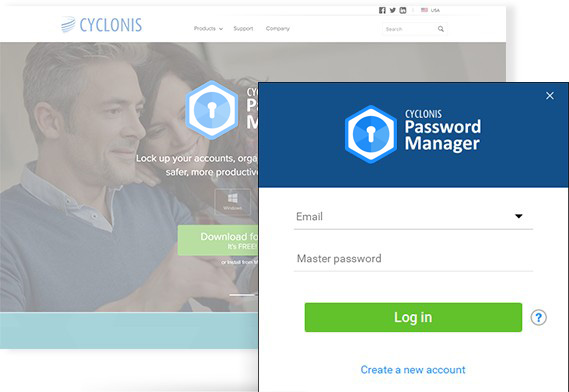
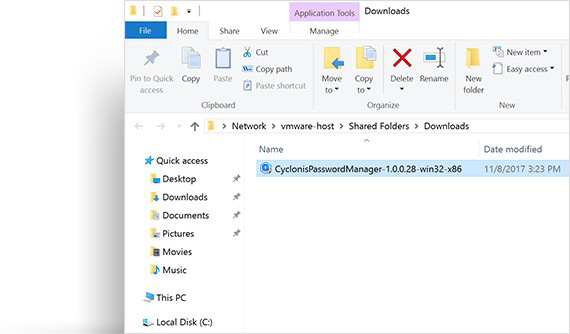 双击CyclonisPasswordManager-Installer.exe文件启动它。或者,您可以右键单击其图标,然后选择运行。
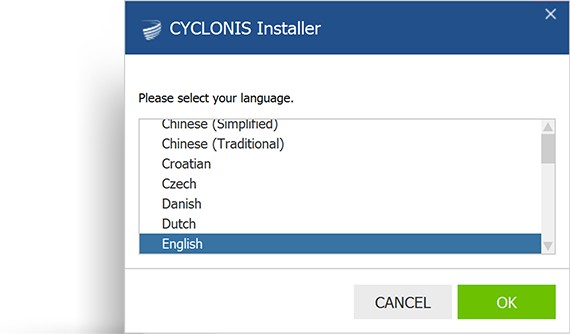 当出现选择语言窗口时,从可用选项中选择偏好语言。
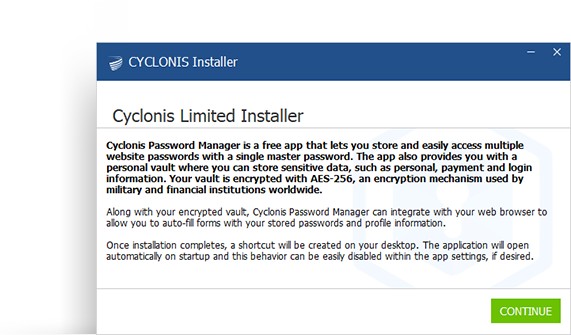 出现的窗口将提供有关Cyclonis Password Manager及其功能的一些信息。仔细阅读并点击继续。
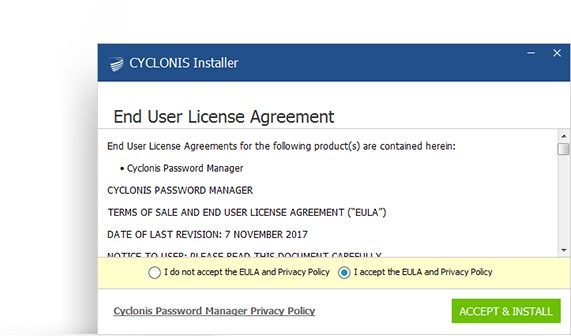 将出现一个显示 Cyclonis Password Manager 的 EULA、隐私政策和折扣条款的窗口。花时间仔细阅读 EULA、隐私政策和折扣条款。
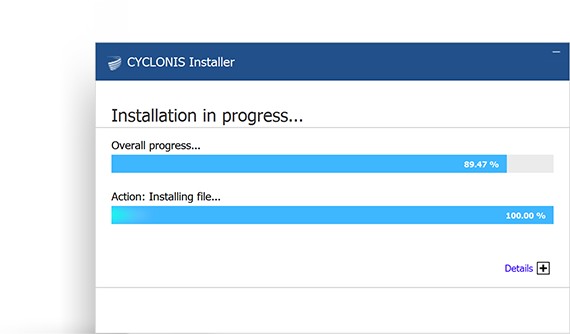 等待程序安装完成。这可能需要几分钟的时间。
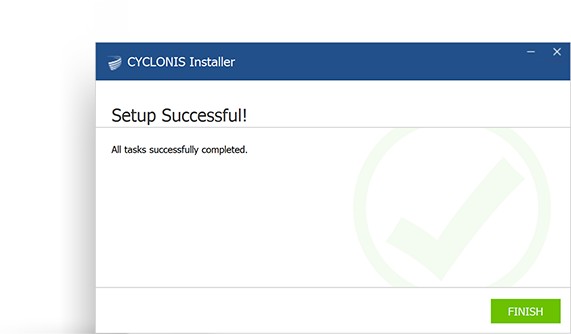 安装过程完成后会出现一个通知窗口。点击完成。
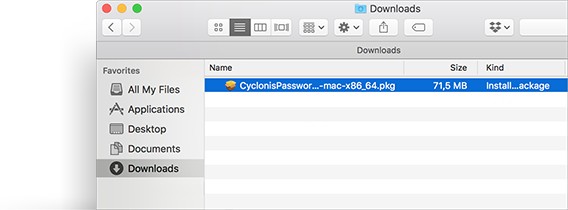 打开Cyclonis Password Manager的CyclonisPasswordManager-Installer.pkg文件的下载位置。
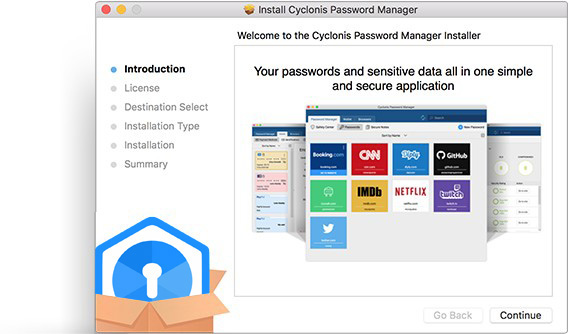 介绍窗口会出现。点击继续。
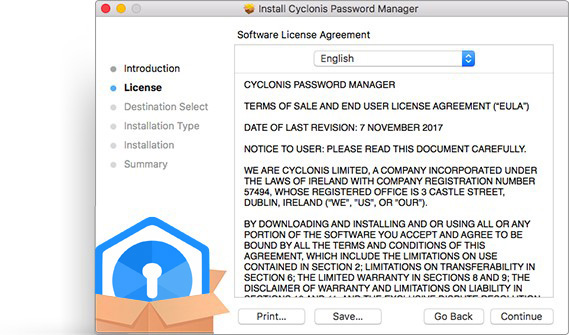 将出现一个显示 Cyclonis Password Manager 的 EULA、隐私政策和折扣条款的窗口。花时间仔细阅读 EULA、隐私政策和折扣条款。
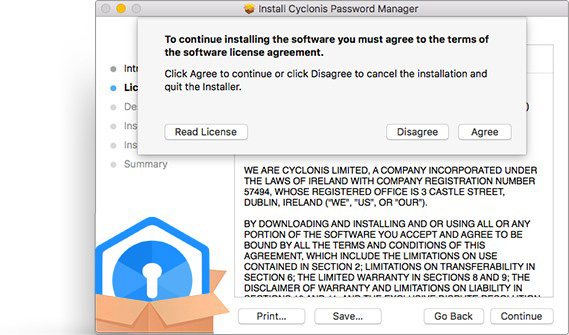 如果您同意 EULA、隐私政策和折扣条款的所有条款和条件,请单击“继续”继续并在出现的弹出窗口中单击“同意”确认您同意。
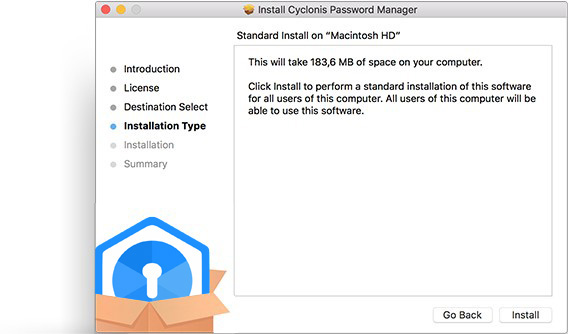 现在您会看到一个名称是Standard Install on Macintosh HD的窗口。点击安装按钮继续。
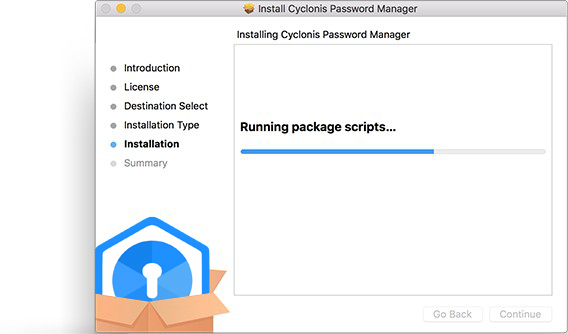 等待程序安装完成。这可能需要几分钟的时间。
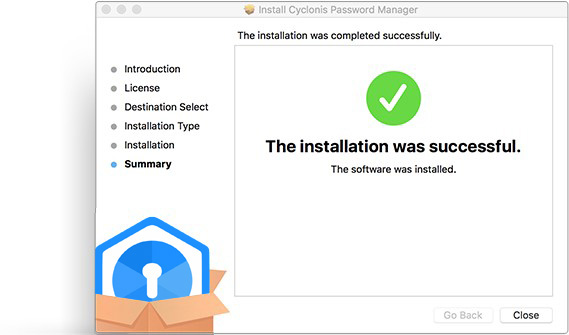 在您成功安装Cyclonis Password Manager后,会出现一个窗口,通知您安装过程已完成。点击关闭。会出现一个窗口通知您安装过程已完成。点击关闭。
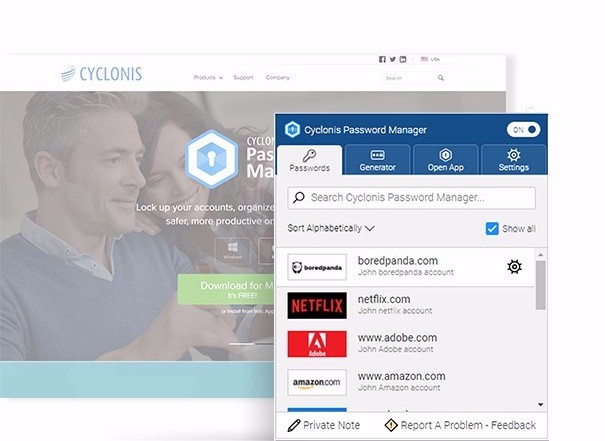
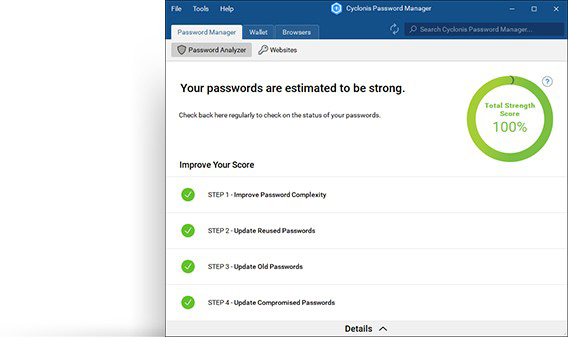 在应用程序主页面中,点击浏览器按钮。
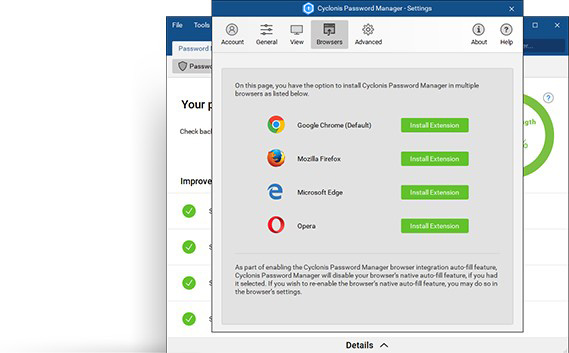 出现的窗口将列出系统上当前安装的受支持的浏览器。点击Chronme图标旁边的安装扩展程序,如果有的话。(如果已安装Chronme扩展程序,该按钮将标记为卸载扩展程序。)
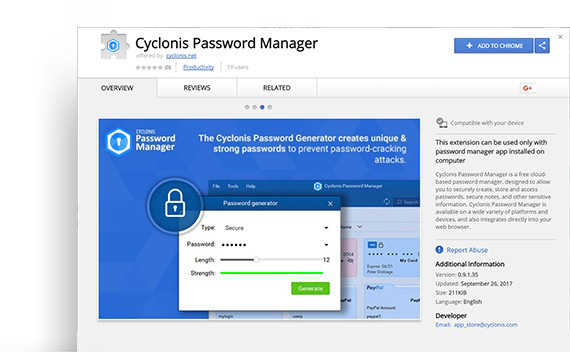 Chrome浏览器会打开,且窗口右上角会显示一个蓝色的 +添加扩展程序按钮。单击它安装扩展程序。
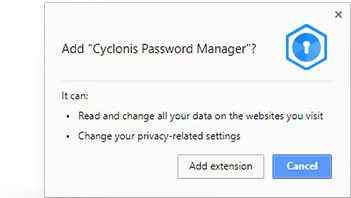 接下来会出现一个名称为是否添加Cyclonis Password Manager?的小弹出窗口,询问您是否要将Cyclonis Password Manager添加到您的浏览器中。点击确认。


