Yandex Redirect Issue

Yandex is the most popular search engine in Russia. Founded in 1997, it has been the number one search service for Russian residents over the past two decades. However, it also appears to be one of the search engines frequently blamed for being associated with browser hijackers. It is important to note that these hijackers have nothing to do with the company behind Yandex – they are not relying on such dubious tricks to attract traffic.
However, because of Yandex's affiliate programs, there are many anonymous software developers who use browser hijackers to greatly boost their revenue as an affiliate. To do this, they use hijacking software to reconfigure the Web browsers of users. This way, they will be redirected to their Yandex affiliate link whenever they load a new tab or try to search the Web. These are the two most common symptoms of the so-called Yandex Browser Hijacker. This issue is caused by hundreds of small applications, which go by all sorts of names.
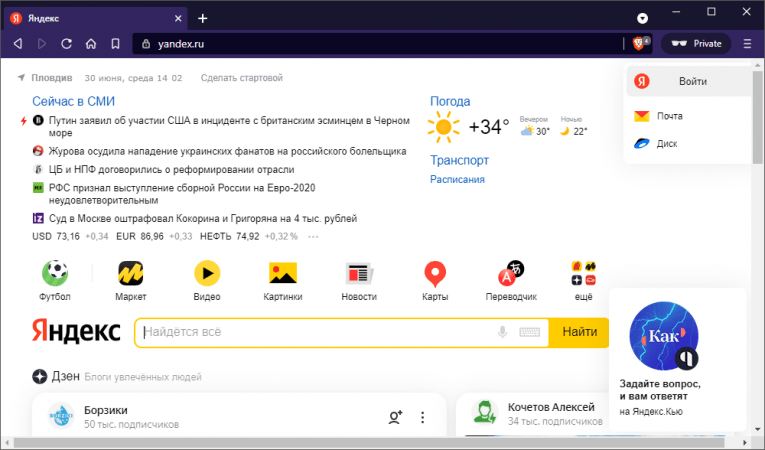
But why would someone download a browser hijacker? The catch is that users are not told about the changes they are about to encounter. The so-called Yandex browser hijackers are distributed through fake downloads, bogus updates, software bundles, and deceptive advertisements. For example, users might be under the impression that they are about to download a 'browser management app' which grants them full control over their browser settings. However, alongside with these features, they will also start to experience the Yandex.ru redirect.
The Yandex Redirect is Not Dangerous
While there is nothing malicious about the Yandex redirect and the Yandex browser hijacker, it may hinder the user's Web browsing experience. One of the primary reasons for this is that Yandex, naturally, prioritizes Russian content. Furthermore, certain Yandex affiliate links may contain extra ads and sponsored results that are somewhat irrelevant to your search.
So, what should you do if you suspect that the Yandex browser hijacker has been planted on your system? Our suggestion is to run an up-to-date antivirus tool to identify and remove the intrusive software. Once you do this, your browser settings should automatically return to their normal values.