"Your Computer Is Severely Damaged" Pop-up Scam
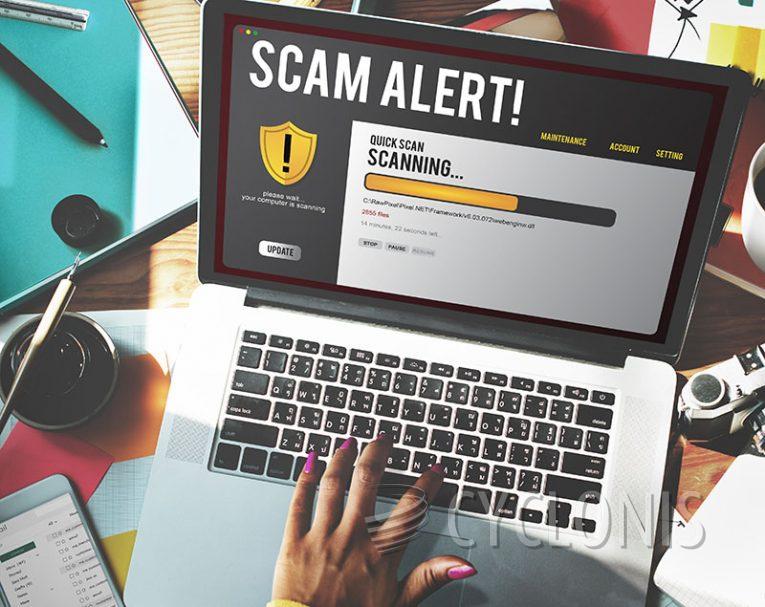
Our researchers uncovered the 'Your Computer Is Severely Damaged' scam during a routine investigation into suspicious websites. This scam involves a fabricated system scan and numerous false threat alerts, all designed to trick users into downloading or installing the promoted software.
It's important to note that this scam is not affiliated with the antivirus product it may attempt to impersonate or its developer.
Upon visiting the site, users are greeted with a pop-up window claiming that their device is infected with thirty viruses, purportedly causing 28.1% damage to the computer. The pop-up warns of potential corruption to the hard disk and private information, attributing the viruses to recent visits to adult-oriented websites.
The pop-up provides instructions for removing the infections, prompting users to click the 'Repair Now' button. However, upon clicking, the scheme initiates a fake system scan that continuously detects issues. The final threat report urges users to promptly use an antivirus program.
As previously mentioned, all information presented is fabricated; no website has the capability to perform scans or detect threats on visitors' devices.
Typically, scams of this nature promote fraudulent, unreliable, and potentially malicious software. Therefore, by falling for this scam, users risk installing fake antivirus programs, adware, browser hijackers, potentially unwanted applications (PUAs), trojans, ransomware, or other forms of malware onto their systems.
In some cases, deceptive pages redirect users to the official websites of legitimate products or services. This redirection serves the purpose of allowing scammers to earn illegitimate commissions by exploiting affiliate programs associated with the endorsed content. It's important to note that there are no guarantees that such scams will lead to genuine sites. Instead, users may be redirected to imitation webpages hosting unwanted or malicious software.
How Should You Act if You See Fake Virus Warnings on a Site?
If you encounter fake virus warnings on a website, it's important to remain calm and take the following steps:
Do Not Click on Anything: Avoid clicking on any buttons, links, or pop-ups presented by the fake virus warning. Clicking on these elements could trigger unwanted actions or potentially lead to the installation of malware on your device.
Close the Browser Tab or Window: Immediately close the tab or window displaying the fake virus warning. You can do this by clicking the 'X' button on the tab or using the browser's task manager to force-close the tab or window if necessary.
Do Not Download Anything: Refrain from downloading any software or files prompted by the fake virus warning. This could potentially lead to the installation of malware or unwanted programs on your device.
Run a Full Antivirus Scan: Perform a full antivirus scan on your device to ensure that no malware or threats were inadvertently downloaded. Make sure your antivirus software is up to date before running the scan.
Clear Your Browser Cache and Cookies: Clearing your browser's cache and cookies can help remove any traces of the fake virus warning from your browser. This can also prevent similar warnings from appearing in the future.
Report the Fake Warning: If possible, report the fake virus warning to the website hosting provider, browser developer, or relevant authorities. This can help prevent others from falling victim to the same scam.