"Updated Service Terms" Email Scam is A Deceptive Phishing Attempt
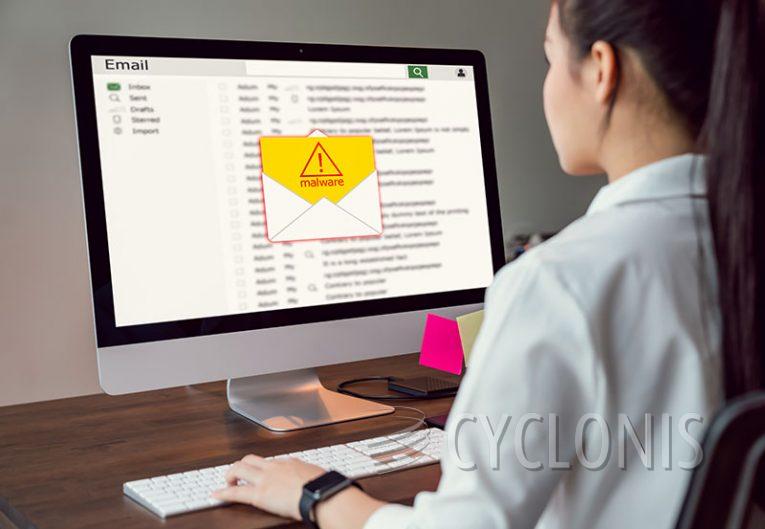
The "Updated Service Terms" email scam is a phishing attempt designed to steal user credentials by tricking recipients into believing they must review and accept new terms of service. The email typically claims that failure to comply will result in the suspension or deactivation of the recipient's account. Cybercriminals use urgency and fear to manipulate users into clicking a fraudulent link, which leads to a phishing website that closely resembles a legitimate login page.
Once a victim enters their login credentials, the attackers capture the information and gain unauthorized access to their accounts. This can lead to identity theft, financial fraud, or further phishing attempts targeting the victim's contacts.
Table of Contents
How This Scam Works
- Victim Receives a Fraudulent Email – The message claims that the recipient must review or accept updated service terms to keep their account active.
- The Email Contains a Malicious Link – Clicking on the provided link redirects the victim to a fake login page.
- Victim Enters Their Credentials – Thinking they are logging in to a legitimate service, the user unknowingly provides their email and password to the scammers.
- Attackers Steal the Information – Cybercriminals use the stolen credentials to access the victim’s email, banking, or other sensitive accounts.
These scams often impersonate well-known companies, including email providers, financial institutions, and online services, making them difficult to spot at first glance.
Red Flags to Watch For
To avoid falling victim to phishing scams like this one, be on the lookout for these warning signs:
- Generic Greetings – Scammers often use vague salutations like "Dear User" instead of addressing you by name.
- Urgent Warnings – Any email threatening immediate account suspension should be approached with caution.
- Suspicious Email Addresses – Check the sender's email domain for misspellings or inconsistencies.
- Unusual Links – Hover over any link in the email without clicking to see if the URL matches the official website of the company.
- Requests for Personal Information – Legitimate companies will never ask for passwords or sensitive data via email.
What to Do If You Receive This Scam Email
If you suspect an email is a phishing attempt, take these steps to protect yourself:
- Do Not Click Any Links – Avoid interacting with the email’s content.
- Check Your Account Directly – Instead of using the email’s link, visit the official website of the service provider by typing the URL manually into your browser.
- Report the Email – Many email services allow you to mark suspicious messages as phishing scams.
- Delete the Email – If it’s a confirmed scam, remove it from your inbox to avoid accidental clicks.
What to Do If You’ve Already Entered Your Credentials
If you accidentally provided your login details to a phishing website, take immediate action:
- Change Your Password – Update your credentials for the compromised account and any other accounts using the same password.
- Enable Multi-Factor Authentication (MFA) – Adding an extra layer of security can prevent unauthorized access even if hackers have your password.
- Monitor for Unusual Activity – Keep an eye on your email and financial accounts for any unauthorized changes or transactions.
- Scan Your System for Malware – Use an anti-malware program to check for any potential infections that may have come from interacting with the scam.
How to Stay Safe from Phishing Attacks
To protect yourself from future phishing attempts, follow these cybersecurity best practices:
- Verify Emails Before Clicking Links – Always confirm the legitimacy of an email before clicking on any embedded links.
- Use a Spam Filter – Many email services have built-in spam protection that can help detect and filter out phishing attempts.
- Keep Your Software Updated – Security patches help protect against vulnerabilities that scammers may try to exploit.
- Educate Yourself and Others – Awareness is key to recognizing and avoiding phishing scams. Share information with friends, family, and colleagues to keep everyone protected.
The "Updated Service Terms" email scam is just one of many phishing tactics cybercriminals use to steal personal information. Staying vigilant and practicing safe online habits can help prevent falling victim to these deceptive attacks.