Look: Online Internet Banking Security Center Pop-Up Scam
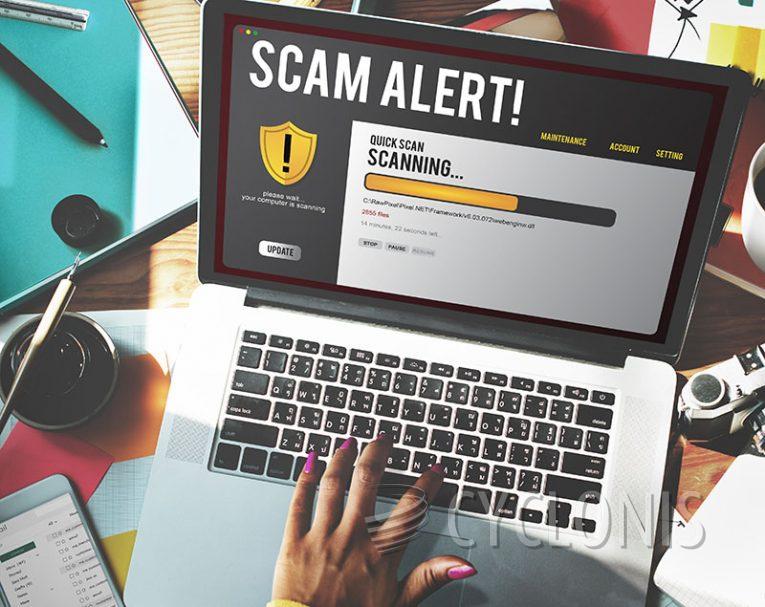
The "Online Internet Banking Security Center" pop-up scam has emerged as a deceptive scheme designed to trick users into believing their systems are compromised. Here's what you need to know to stay safe:
Table of Contents
Understanding the Online Internet Banking Security Center Scam
The "Online Internet Banking Security Center" scam masquerades as a Microsoft page warning visitors about a critical security breach. This deceptive pop-up aims to instill fear by falsely alerting users of detected threats to their personal and banking information.
How the Scam Operates
The scam employs multiple pop-up windows overlaying what appears to be the Microsoft website. The topmost pop-up, titled "Online Internet Banking Security Center," informs users of detected threats and urges them to call a provided support number for assistance. However, all information presented by this scam is fabricated and has no association with Microsoft or legitimate security alerts.
Remote Access and Financial Risks
Often conducted via phone calls, this scam may also involve remote access to victims' computers. Scammers exploit this access to deceive users into granting permissions for alleged threat removal, which can lead to financial transactions, data disclosures, and even malware installations. They may use legitimate remote access tools like AnyDesk or TeamViewer to gain control over the victim's system.
Potential Consequences of Falling Victim
Victims of the "Online Internet Banking Security Center" scam face diverse risks, including financial losses, data theft, and system compromise. Scammers may extract sensitive information such as login credentials, financial details, and personal data, which can subsequently be misused or sold on the dark web.
Protecting Yourself Against Such Scams
If you encounter a suspicious pop-up or believe you've interacted with the scam:
- Close the Browser Properly: If you cannot close the deceptive webpage normally, use the Task Manager to end the browser process.
- Disconnect from the Internet: If you've been granted remote access, immediately disconnect your device from the Internet and uninstall any remote access software used by the scammers.
- Scan Your System: Conduct a thorough system scan using reliable antivirus software to detect and remove any potential malware.
- Change Passwords: If you suspect your credentials have been compromised, change passwords for all affected accounts and inform their official support teams.
- Stay Informed: Follow news on the latest scams and deceptive practices circulating online to recognize and avoid potential threats.
Final Thoughts
The "Online Internet Banking Security Center" pop-up scam reminds users of the importance of vigilance and caution while browsing the Internet. By staying informed and adopting safe browsing practices, such as avoiding suspicious links and verifying sources, users can protect themselves from falling victim to these deceitful schemes.
Online scams continue to evolve, presenting varying levels of sophistication and deception. From fake technical support alerts to phishing emails and malicious websites, the internet landscape requires users to be cautious and discerning. By exercising care in their online interactions and staying informed about emerging threats, individuals can effectively mitigate risks and safeguard their digital security.