Remove AdBlock Max
If you are looking for an ad-free browsing experience, you should always strive to use some of the reputable ad blocking software available online. Typically, these have hundreds of thousands of downloads, and overwhelmingly positive reviews. Often, you may come across online pop-ups and ads that promote ad-blocking software you have never heard of before. If you encounter such offers, it might be wise to ignore them – otherwise you could end up installing something like the AdBlock Max Adware.
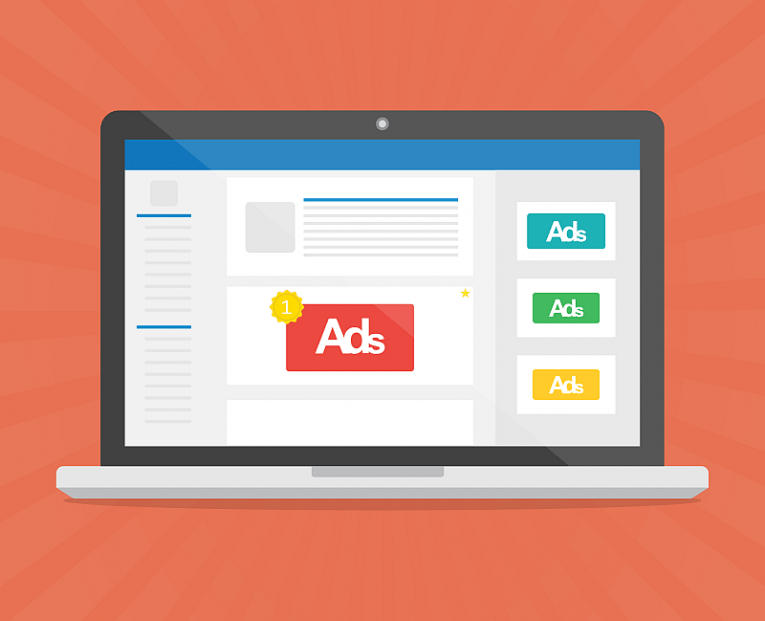
AdBlock Max poses as a useful ad-filtering add-on, which is supposed to keep ads away from your Web browser. However, the way it works is certainly not convenient or meant to help you. Instead of blocking ads completely, the AdBlock Max Adware will replace legitimate site ads with its own advertisements. Basically, you see the same number of ads, but the legitimate ones are hijacked by the paid ads of AdBlock Max Adware's creators. In short, the adware is hijacking revenue from your favorite sites.
The removal of the AdBlock Max Adware is strongly recommended, but we would not advise you to do it manually. Instead, use an up-to-date security tool to ensure that the adware's components are removed fully.