How Often Should You Clean Your PC?
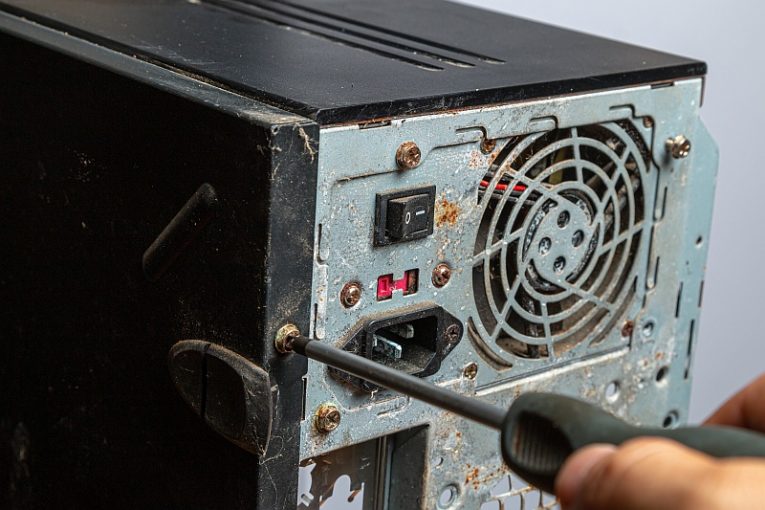
Computer maintenance is a multi-stage process and involves taking care of both your software and hardware. There are multiple tools that can assist you in maintaining your software and various components of your operating system and hard drive, some of them even included in Windows. However, hardware maintenance and taking care of your PC case and peripherals is something you need to do manually.
There is no fixed interval at which you should clean your PC. There are a number of factors that will affect this, including how often you air the room the PC is in, how dusty the general environment is, how well ventilated the room is, among others.
In a general case scenario, it is a good idea to open your case and clean the inside of your PC at least once every six months. Doing it more often won't hurt but it might also start feeling like a chore and too much work if you do it too often. If you notice that there is significant accumulation of dust or lint on the inside of your case or on your PC parts inside it, consider opening the case and cleaning the inside more frequently.
The best way to clean accumulated dust or lint from the inside of your case is either a canister of compressed air or a piece of cloth. Hopefully, you won't have dust bunnies that require vacuuming, but if you do want to use a vacuum cleaner, keep the end of the vacuum's pipe well clear from any components and make sure you don't bump any parts.
If you do regular routine cleaning of the inside of your case, you will ensure both that your hardware runs cooler as fans and radiators are free of dust or lint particles and will also lower the overall temperature inside your case.
A good baseline to use when considering when to clean your PC is a four to six-month period. Adjust accordingly, depending on how dirty you find the inside of your case when you open it. Armed with just a canister of compressed air and a piece of cloth, you can keep your hardware ticking at optimal temperatures and speeds.