AirPods Keep Disconnecting from Mac
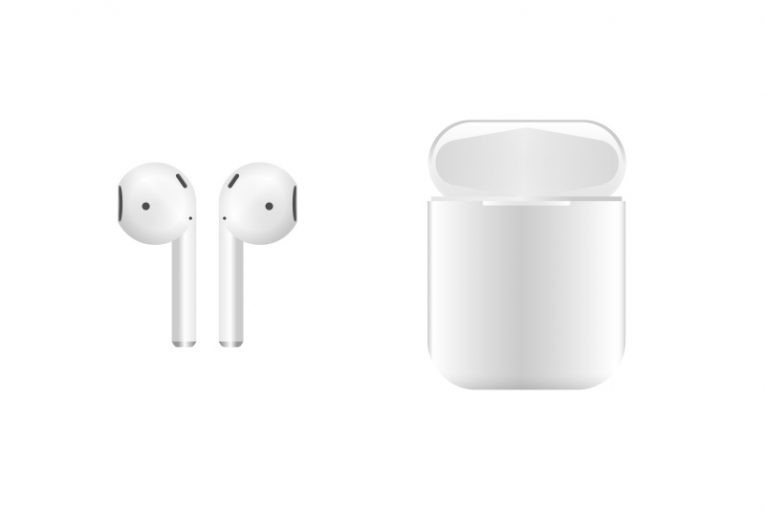
The Apple AirPods have been on the market for about five years, and they have already become the #1 favorite accessory of smartphone users. However, even the best product is not free of bugs and issues. Some users complain about connectivity and battery problems, while others complain that their AirPods keep disconnecting from their Mac. If you are experiencing the latter issue, then we might have some great fixes in store for you. These solutions are easy to apply, so keep on reading and start trying to fix the issue.
Table of Contents
Fix AirPods Keep Disconnecting from Mac by Updating your System
An issue with your system software might be the cause of the problem. If your AirPods are constantly disconnecting and you cannot use them properly, then we advise you to check for pending Mac updates. Go to the Apple Menu -> Software Update and see if there is anything you need to install.
Un-pair and Pair your AirPods
There is a minor chance that your Mac might have trouble identifying your AirPods. To fix this, you can reset the connection between the device and the accessory. Go to Apple Menu -> System Preferences -> Bluetooth. Choose your AirPods and then select Remove. After this, reconnect them through Bluetooth.
Disconnect AirPods from Other Devices
If you are using multiple devices while at home, then there might be causing a conflict between your AirPods and Mac. Try 'forgetting' the AirPods from your iPad, iPhone, or another smart device. If this appears to fix the issue, then start reconnecting them one by one and doing some testing to find out which one was the culprit.